Brat Meme Generator
Create viral Brat-style memes in seconds. Choose from 12 templates, customize text & colors, and download.
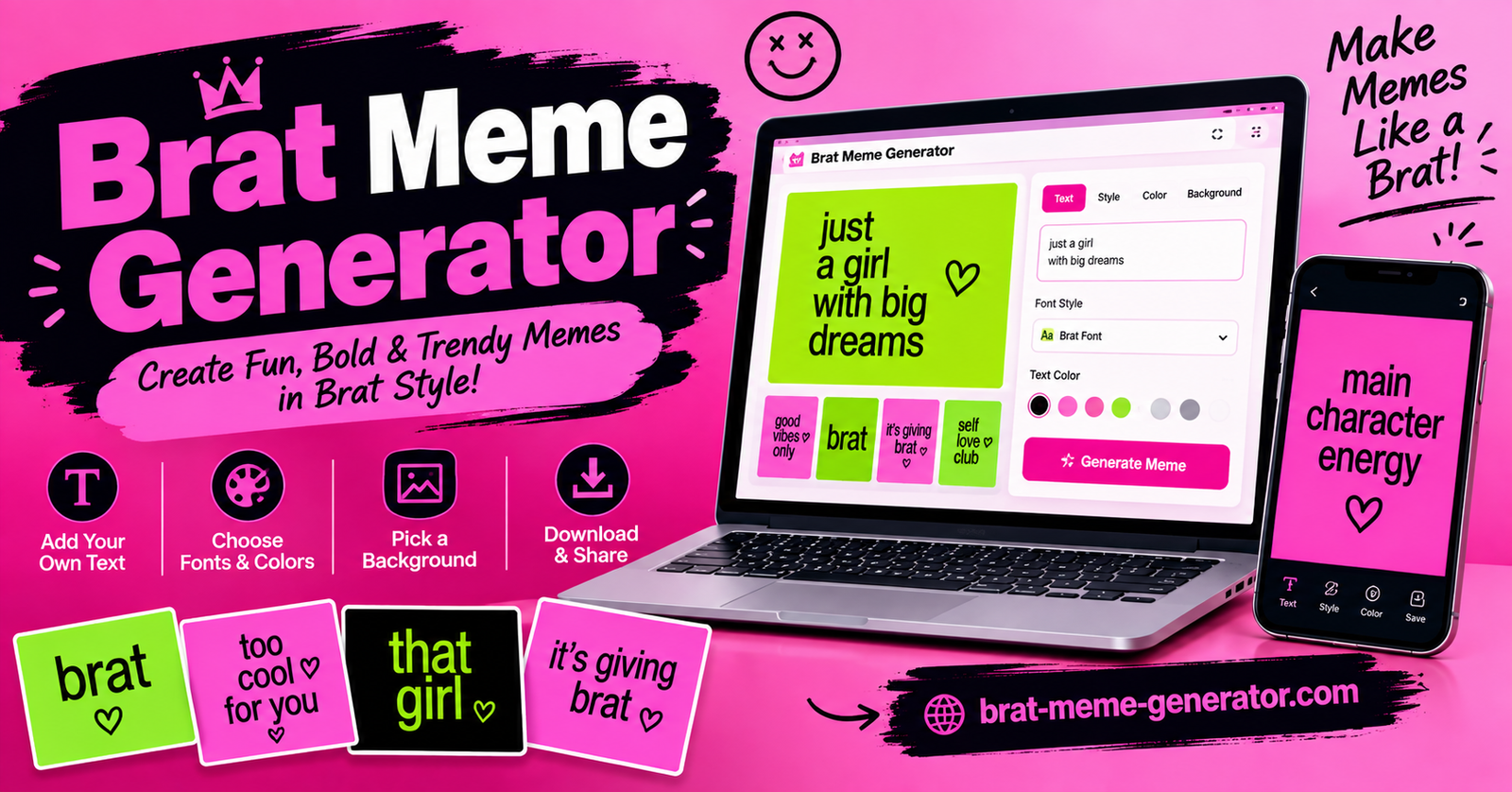
The BRAT Meme Generator makes it easy to create your own BRAT-style memes using custom text. Instead of spending time with complicated editing software, you can enter your message, customize the design, preview your creation, and make a meme that is ready to share.
Whether you want to create a funny reaction, an inside joke, a social media post, or a simple BRAT-inspired graphic, the generator gives you a quick way to turn your ideas into a shareable meme.
What Is a BRAT Meme Generator?
A BRAT Meme Generator is an online tool for creating memes inspired by the recognizable visual style associated with the BRAT aesthetic. The basic idea is simple: start with a short message and turn it into a customized graphic.
You can use your own words, phrases, jokes, reactions, or captions. The generator handles the visual formatting so you can focus on the message you want your meme to communicate.
BRAT-style memes are especially useful for short, bold, and humorous messages. A simple phrase can become a fun graphic that you can save and share with friends or post on social media. 😎💚
Try These BRAT Meme Ideas 💚
Need inspiration? Start with one of these short and funny meme ideas.
I’m on BRAT time. 💚😎
unbothered. 💅💚
being iconic. ✨💚
Just vibe. 😌💚
Maximum chaos. 😂💚
attitude. 🔥💚
How to Use the BRAT Meme Generator
Creating a meme does not require advanced design skills. Follow these simple steps to get started.
1. Enter Your Text
Start by typing the text you want to use for your meme. This could be a funny sentence, reaction, short joke, name, quote, or any other message.
For the best result, try to keep your text clear and easy to read. Short phrases often work particularly well because they keep the meme simple and visually recognizable.
2. Customize Your Meme
After entering your text, use the available customization options to adjust the appearance of your meme.
Depending on the options provided by the generator, you may be able to change elements such as the font, text style, size, positioning, or other visual settings. Experiment with the available controls until your design looks the way you want.
The preview allows you to see your changes before creating the final image.
3. Preview Your BRAT Meme
Before saving your creation, check the preview carefully. Make sure your text is spelled correctly and that it is positioned properly within the design.
If something does not look right, simply return to the available settings and make adjustments. You can experiment with different combinations until you are happy with the result.
4. Generate Your Meme
Once your design is ready, use the generator to create the final BRAT meme.
The tool converts your text and selected settings into a finished meme that you can use for personal sharing and social media content.
5. Download and Share
After generating your meme, save the finished image using the available download option.
You can then share your creation with friends, use it in social media posts, or keep it for your own collection of custom memes.
Tips for Creating Better BRAT Memes
A good meme does not need to be complicated. A few simple choices can make your BRAT-style creation more effective.
Keep your message short: Short and memorable phrases are usually easier to read and understand.
Make it relatable: Funny reactions, everyday situations, and relatable jokes can make your meme more engaging.
Check readability: Make sure the text is large and clear enough to read against the background.
Experiment with the design: Try different available font and text settings to find a style that fits your message.
Preview before downloading: Always check the final design for spelling, positioning, and overall appearance.
Why Use a BRAT Meme Generator?
Creating a meme from scratch can require image-editing software and some design experience. An online generator simplifies the process by putting the essential tools in one place.
The BRAT Meme Generator can help you:
- Create custom memes quickly
- Add your own messages and jokes
- Experiment with different text styles
- Make graphics without advanced design software
- Prepare memes for sharing on social media
- Turn simple ideas into personalized BRAT-style designs
The process is designed to be straightforward, making it suitable for both beginners and people who regularly create social media content.
Create Your Own BRAT Meme
You do not need complicated software or professional design skills to make a custom meme. Start with an idea, enter your text, adjust the available settings, and preview the result.
The BRAT Meme Generator gives you a simple way to create personalized BRAT-style memes whenever you have something funny, creative, or relatable to share. Try different messages and designs to create a meme that matches your style, then download and share your finished creation.
Conclusion
Creating a custom BRAT meme is quick and simple with the BRAT Meme Generator. Just enter your text, customize the available settings, preview your design, and generate your meme. Whether you are making a funny reaction, sharing an inside joke, or creating content for social media, the tool gives you an easy way to turn your ideas into a personalized BRAT-style meme. Try it today and create your own meme in just a few clicks.