Brat Font Generator
Preview your text in 37+ brat-style fonts. Customize colors, size, and effects, then download.
The Brat Font Generator makes it easy to turn ordinary words and phrases into eye-catching Brat-style typography. Instead of using complicated design software, you can enter your text, choose a font, customize the colors and effects, and download your finished design directly from your browser.
Whether you want to create social media graphics, meme text, profile images, cover designs, or experimental typography, a font generator gives you a quick way to explore different visual styles.
The tool includes more than 37 Brat-style fonts and lets you customize colors, font size, effects, and canvas dimensions. You can also export your finished design as a PNG, JPG, or WebP.
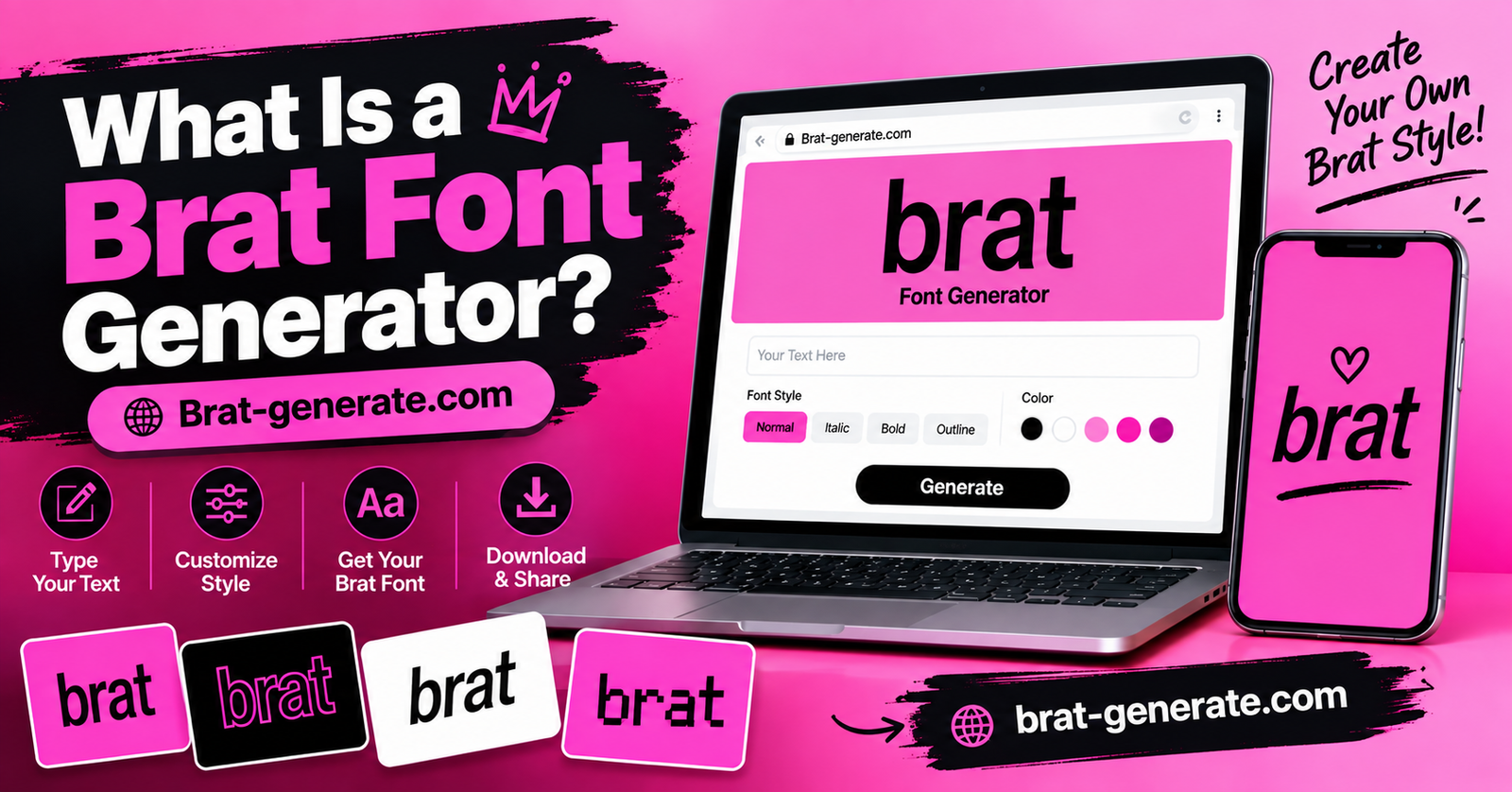
What Is a Brat Font Generator?
A Brat Font Generator is an online tool that lets you create text using typography inspired by the distinctive visual style associated with Brat-inspired designs.
The basic idea is simple: type your own words, select a font, customize the appearance, and generate an image that you can use for your creative projects.
You do not need advanced graphic design experience. The generator provides an interactive preview, so you can experiment with different fonts and settings before downloading the final result.
A Brat-style text generator can be useful for:
- Social media graphics
- Meme designs
- Profile pictures
- Posters
- Digital artwork
- Cover-style graphics
- Wallpapers
- Creative typography
- Gaming and entertainment graphics
How to Use the Brat Font Generator
Follow these simple steps to customize your text, choose a font, change colors, adjust the size, and add creative effects.
Type Your Text
Start by finding the text input box in the generator. Type the word, name, phrase, or message you want to turn into Brat-style text.
Short words work well for simple designs, while longer phrases can be used for social media graphics.
Pick a Font
Look for the font selection area and choose the style you like. The generator includes more than 37 Brat-style font options.
Click different font options to compare how your text looks before choosing your favorite style.
Customize the Colors
Find the color controls to change the appearance of your design. You can customize the background and text colors.
Try contrasting text and background colors to make your design easier to read.
Adjust the Font Size
Use the font size control to make your text smaller or larger inside the canvas.
Use a larger size for short words and reduce the size when working with longer phrases.
Add Effects
Use the effects controls to give your text a more unusual or creative appearance. Experiment with each effect individually before combining several effects.
Create a softer, less-defined appearance.
Add texture and an imperfect visual appearance.
Add depth behind your letters.
Make your text stand out from the background.
Create an unusual mirrored text effect.
Reverse your design horizontally.
What Can You Create With a Brat Font Generator?
There are many ways to use generated typography.
Social Media Graphics
Create customized text graphics for platforms such as Instagram, Facebook, TikTok, and other social networks.
The canvas controls include square, portrait, Facebook/Instagram, and story formats, making it easier to prepare designs for different types of social content.
Meme Designs
Short phrases and humorous messages can be turned into customized graphics for memes.
Try keeping the text short and choosing a font that remains readable at smaller sizes.
Profile Images
A single word, username, or short phrase can work well as a profile image.
Choose a simple background and a font size that keeps the text visible even when the image is displayed at a small size.
Posters and Digital Artwork
Generated typography can also become part of a larger design.
You can download the text graphic and combine it with other visual elements in your preferred editing software.
Cover-Style Designs
Short phrases can be used to create album-inspired, playlist-inspired, or social media cover graphics.
Experiment with the background color, typography, and effects until you achieve the desired look.
Brat Font Ideas to Try
If you are not sure what to generate, start with simple text.
You could try:
- Your name
- A nickname
- A username
- A favorite word
- A short quote
- A funny phrase
- A meme caption
- A song-inspired phrase
- A gaming username
- A one-word design
Short text is particularly useful when experimenting with different fonts because you can quickly compare multiple styles.
How to Make Creepy Text
If your goal is to create creepy typography, focus on the overall mood rather than simply choosing an unusual font.
Start with a short word or phrase. Then experiment with darker colors, blur, noise, shadows, or unusual font choices.
You can also try changing the font size and canvas dimensions to create different compositions.
For a horror-inspired design, a little distortion can often be more effective than making every element heavily distorted.
Download Your Finished Design
Once your design looks the way you want, you can choose an export format and download it.
The generator currently provides PNG, JPG, and WebP options.
PNG can be useful when you want high-quality graphics, while JPG can be convenient for general image use. WebP is another modern image format that can be useful for websites and digital content.
Choose the format based on where you plan to use the finished design.
Conclusion
The Brat Font Generator provides a simple way to experiment with creative typography without needing advanced design software. You can enter your text, explore more than 37 font styles, adjust colors and font size, add effects, choose a suitable canvas, and download your finished design.
If you want something beyond the standard Brat-inspired look, experimenting with creepy and glitch-style effects can help you create more unusual designs. Try different fonts, colors, sizes, and effects until you find a combination that fits your idea.
Whether you are creating a social media graphic, meme, profile image, poster, gaming design, or experimental piece of typography, an online font generator gives you a fast and accessible way to turn simple text into a customized visual.