Brat Font Generator: Create Unique Brat-Style Fonts and Text
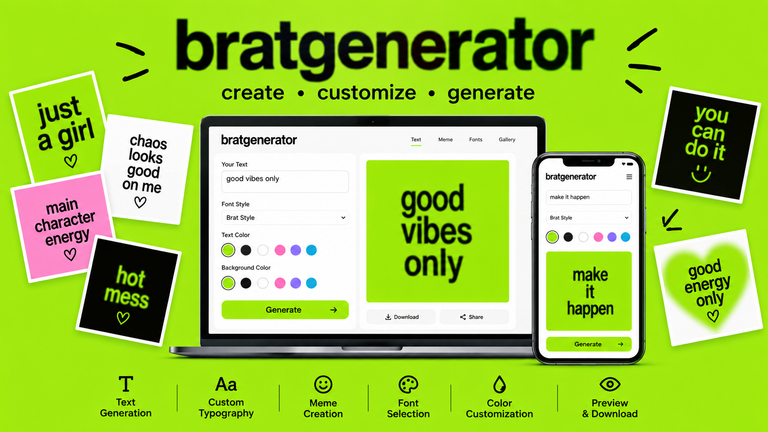
A brat font generator makes it easy to turn ordinary words into bold, eye-catching typography inspired by the recognizable Brat aesthetic. Instead of learning complicated graphic design software, you can enter your own text, choose a suitable font style, adjust the appearance, and create a finished graphic in just a few steps.
The popularity of Brat-style typography comes from its intentionally simple appearance. Short lowercase words, strong contrast, minimal layouts, and distinctive styling can make even a basic phrase instantly recognizable. Today, this visual approach is used for memes, social media graphics, wallpapers, fan creations, and other digital projects.
Whether you want to create a single word, a funny meme, or a custom social media graphic, a brat font generator gives you a quick way to experiment with this aesthetic.
What Is a Brat Font Generator?
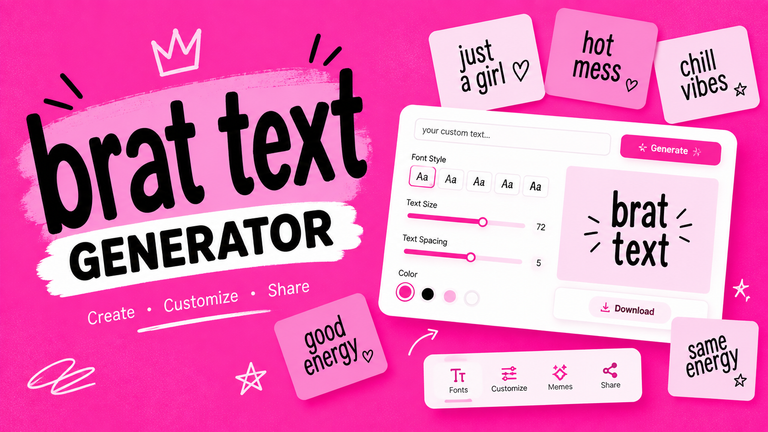
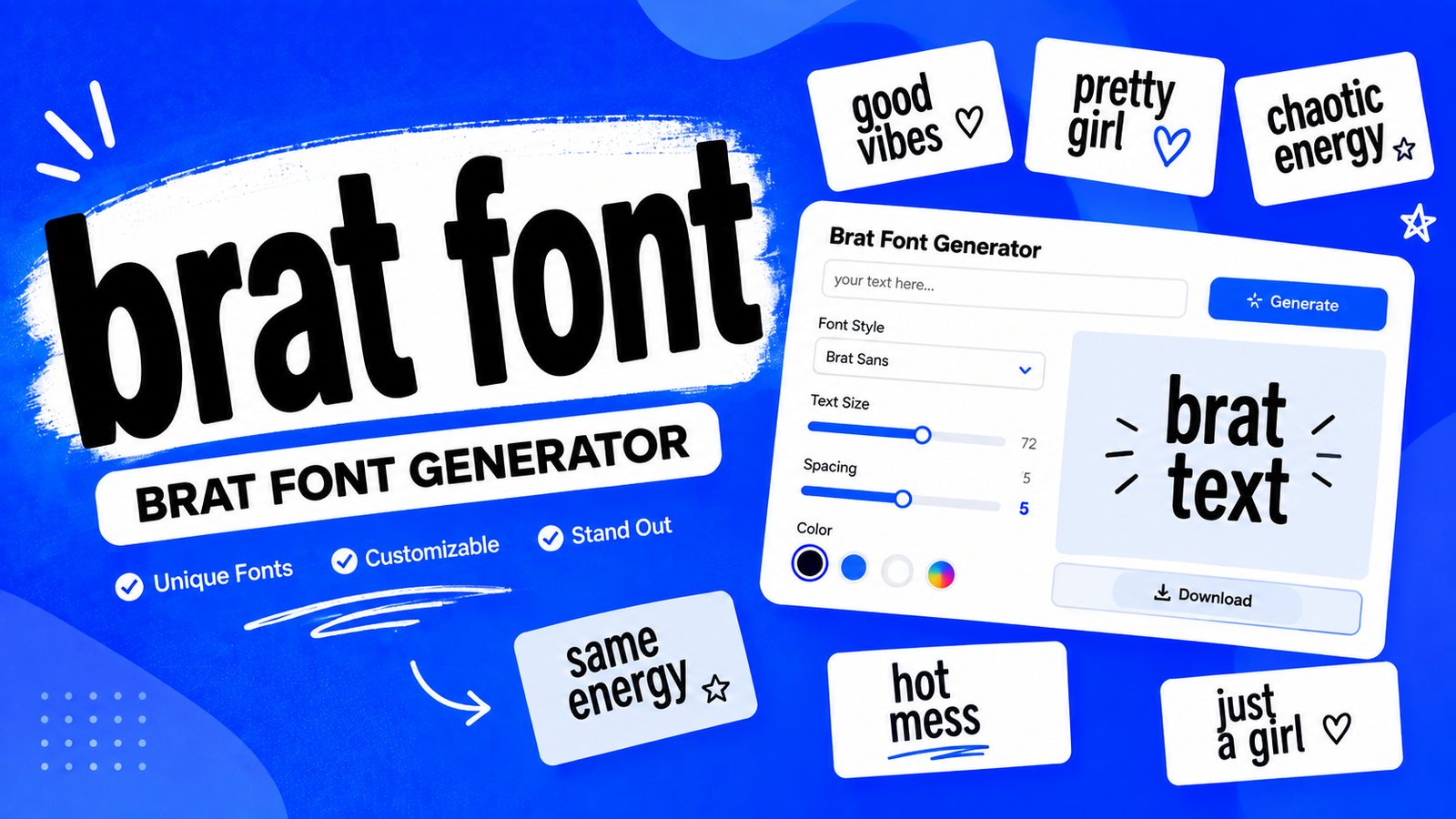
A brat font generator is an online tool designed to help users create text graphics using fonts and visual settings inspired by the Brat aesthetic. Instead of manually recreating typography in professional design software, users can enter their text and customize the result through a simple interface.
Depending on the tool, customization options may include font styles, text size, color, background color, alignment, spacing, blur, and other visual effects.
Why Is It Different From a Regular Font Generator?
A traditional font generator usually focuses primarily on changing the typeface. A Brat-focused generator goes further by combining typography with other elements of the visual style.
For example, you may be able to:
- Enter custom text
- Select a Brat-style font
- Change the font size
- Adjust text placement
- Select a background
- Experiment with colors
- Add subtle blur or distortion
- Preview the final design
- Generate or download an image
This makes the tool useful for people who want a finished graphic rather than simply a font preview.
Who Can Use a Brat Font Generator?
The tool is useful for almost anyone interested in experimental typography. Social media creators can make posts, meme creators can produce custom graphics, and fans can create personal designs inspired by the aesthetic.
It can also be useful for designers who want to quickly test different text treatments before creating a more detailed project.
What Is the Brat Font Style?
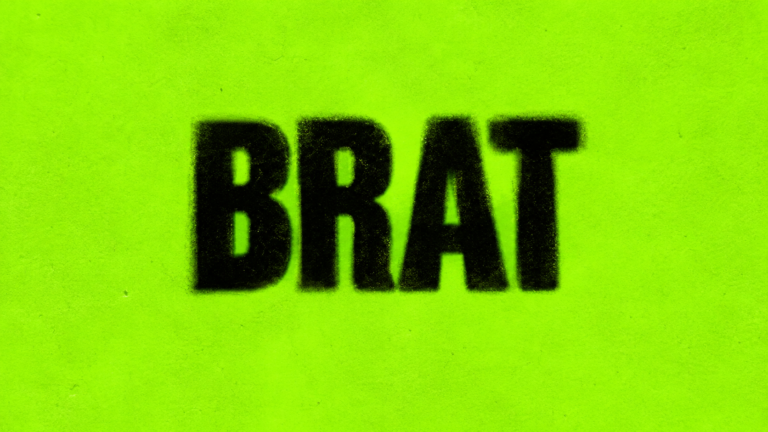
The Brat font style is recognizable because it does not depend on complicated lettering. Instead, its visual identity comes from simplicity, lowercase typography, strong contrast, and an intentionally uncomplicated presentation.
The style is generally associated with a clean sans-serif appearance. The letters can appear stretched, slightly imperfect, or deliberately low-resolution depending on the recreation.
The Simple Typography
One of the most recognizable characteristics is the use of straightforward lettering. Rather than decorative scripts or elaborate fonts, the style relies on simple letterforms.
Lowercase text is particularly important because it contributes to the casual and understated appearance.
The Slightly Imperfect Look
Perfectly polished typography is not always necessary for this aesthetic. Slight stretching, blur, unusual spacing, or a rough digital appearance can make the result feel more authentic to the visual trend.
The key is moderation. Too many effects can make the design look unrelated to the original aesthetic.
Brat Font and Brat Aesthetic
Typography is only one part of the overall look. Background color, text positioning, contrast, image quality, and simplicity all contribute to the final appearance.
This means choosing a similar-looking font alone does not automatically create a complete Brat-style design.
Where Did the Brat Font Style Come From?
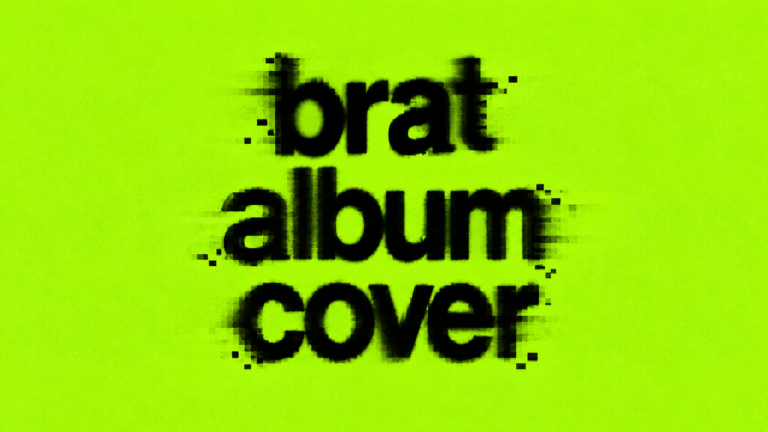
The Brat visual style became widely recognized during the era surrounding Charli XCX’s album Brat. The project’s visual identity used a deliberately simple combination of typography and color, helping it stand out from more polished and conventional album designs.
Charli XCX and Brat
Charli XCX’s Brat era became more than a music release. Its distinctive visual identity quickly became recognizable across social media and internet culture.
The straightforward design approach made the aesthetic easy for people to recreate, adapt, remix, and use in their own digital creations.
The Brat Album Artwork
The artwork’s minimal composition helped demonstrate how simple typography can become a powerful visual identity. Rather than relying on complex illustrations, the design emphasized text, color, and presentation.
That simplicity is one reason the style works particularly well with online generators.
From Album Artwork to Internet Culture
As the aesthetic spread online, people began using similar typography and layouts for memes, posts, fan art, jokes, personal graphics, and other forms of digital content.
The result was a broader visual trend that could be adapted without requiring professional design skills.
How Does a Brat Font Generator Work?
Using a brat font generator is generally straightforward. While interfaces differ between tools, the basic workflow usually follows several steps.
Step 1: Enter Your Text
Start by typing the word, phrase, name, or message you want to transform.
Short text often works especially well because large typography has more visual impact. A single word can sometimes create a stronger design than a long sentence.
Step 2: Choose a Brat-Style Font
Select a font that matches the desired aesthetic. Some generators may provide multiple variations, allowing you to compare different weights, widths, and styles.
Try several options instead of automatically choosing the first one.
Step 3: Adjust Font Size
Font size changes the entire composition. Large text can create a bold poster-like effect, while smaller text can provide more space around the design.
Choose a size that keeps the words readable without overwhelming the background.
Step 4: Customize Text Color
Black is a common choice for strong contrast, but experimenting with other colors can create a more personalized design.
For example, white text can work well on darker backgrounds, while black text can create a sharp appearance on bright colors.
Step 5: Select a Background
The background has a major influence on the finished graphic. A simple solid color usually works better than a complicated photograph when you want a clean typography-focused design.
Pink backgrounds can provide a fresh variation of the aesthetic while also fitting modern social-media design trends.
Step 6: Adjust Effects
Depending on the generator, you may be able to control blur, spacing, alignment, weight, position, or distortion.
Use these features carefully. A small adjustment can add personality without making the text difficult to read.
Step 7: Preview Your Design
Always check the complete composition before generating the final image.
Look at the spacing, contrast, font size, and overall balance. If something feels crowded, make a small adjustment rather than adding more effects.
Step 8: Generate and Save
Once you’re satisfied with the result, generate the final graphic. Depending on the tool, you may be able to download or export it for use on social media or other projects.
How to Create Unique Brat-Style Fonts and Text
A generator gives you the tools, but the final result depends on how you use them.
Keep the Text Short
Short words and phrases are usually easier to turn into strong typography. They also leave more room for the letters to become the main visual element.
Experiment With Lowercase Text
Lowercase lettering can help create the casual appearance associated with the style. Try entering the same phrase in uppercase and lowercase to compare the results.
Try Different Font Variations
Don’t assume that one font works for every project. A narrow style may work better for a long phrase, while a heavier style may be more effective for a single word.
Play With Spacing
Letter spacing can significantly change the personality of a design. Tight spacing creates a compact appearance, while wider spacing can make the graphic feel more open.
Use Contrast
Text should be immediately readable. If the background and letters have similar tones, the design may lose its impact.
Keep Effects Controlled
Blur and distortion can add character, but excessive effects can make the typography difficult to understand. Start with a clean design and add effects gradually.
What Is Brat Green?
Brat green became one of the most recognizable parts of the visual identity associated with Brat. The bright color helped the artwork stand out and made the overall aesthetic easy to recognize.
However, digital recreations may use slightly different shades, so there is not necessarily one universal color value that every Brat-style generator uses.
Can You Use Other Colors?
Absolutely. A Brat-style design does not have to use green.
Pink, black, white, purple, and other strong colors can create interesting variations. A pink background paired with black lowercase text, for example, can preserve the minimalist typography concept while giving the design a different personality.
Brat Font Generator vs Brat Text Generator
Although the terms are sometimes used interchangeably, they can have slightly different purposes.
| Feature | Brat Font Generator | Brat Text Generator |
| Font selection | Main focus | Included |
| Text customization | Yes | Yes |
| Font variations | Strong focus | Moderate |
| Colors | Usually available | Usually available |
| Effects | May be available | May be available |
| Meme creation | Possible | Common |
| Typography experimentation | Excellent | Good |
A brat font generator is particularly useful when your main goal is experimenting with different typography styles. A text generator may place more emphasis on quickly turning text into a complete graphic.
What Can You Create With a Brat Font Generator?
The possibilities go beyond simple text previews.
Brat-Style Text Graphics
Create names, short quotes, phrases, usernames, or personal messages with a distinctive typography treatment.
Brat Memes
Use custom text to create simple reaction graphics, jokes, and meme concepts.
Social Media Graphics
Brat-style typography can work well for Instagram posts, TikTok graphics, X posts, Pinterest images, and profile designs.
Wallpapers
A short word or phrase can become a minimalist phone or desktop wallpaper.
Posters and Creative Projects
You can also use generated typography for personal posters, digital artwork, fan projects, mood boards, and experimental design concepts.
How to Make Brat-Style Text for Memes
Creating a simple meme can be done in a few steps:
- Choose a short phrase.
- Enter it into the generator.
- Select a Brat-style font.
- Choose a contrasting background.
- Adjust the font size.
- Add subtle effects if necessary.
- Check the alignment.
- Preview the design.
- Make final adjustments.
- Generate and save the graphic.
The most effective designs usually avoid unnecessary decoration. If the joke depends on the text, make sure the text remains the main focus.
Using Brat-Style Fonts for Social Media
Social media is one of the easiest places to experiment with custom typography.
For Instagram, square graphics and vertical story designs can work well. TikTok creators can use typography for covers and supporting graphics. On X, short text-based images can work as reaction posts or visual statements.
Pinterest can also be useful for typography inspiration, quote graphics, and aesthetic designs.
Always check your design on a smaller screen before publishing. Text that looks readable on a desktop can become difficult to read on a phone.
Tips for Creating Better Brat Typography
- Start with simple text.
- Experiment with lowercase lettering.
- Use one primary font.
- Maintain strong contrast.
- Avoid excessive effects.
- Test different alignments.
- Preview before downloading.
- Keep important text away from the edges.
- Make sure the final image works on mobile screens.
The goal is not to make the design complicated. The strongest results often come from making a few deliberate choices.
Common Mistakes When Using a Brat Font Generator
One common mistake is using too much text. Long paragraphs can weaken the visual impact of typography-focused designs.
Another problem is excessive effects. Heavy blur, shadows, distortion, and decorative elements can make the result difficult to read.
Poor color contrast is another issue. Even a great font can look ineffective if it blends into the background.
Users should also avoid combining too many fonts. A single strong typography style usually creates a cleaner result.
Finally, avoid copying existing artwork too closely. Creating original text and compositions inspired by an aesthetic gives your work its own identity.
Is a Brat Font Generator Free?
Many online font and text generators provide free basic functionality. Depending on the tool, users may be able to create text, customize the design, preview it, and download the result without using professional design software.
Some tools may place certain advanced customization features behind paid plans or impose limits on exports. Always check the specific tool’s available features before starting an important project.
Brat Font Generator Online vs Design Software
| Feature | Brat Font Generator | Design Software |
| Ease of use | Very easy | More complex |
| Setup | Usually minimal | May require installation or account |
| Brat-style presets | Focused | Usually manual |
| Customization | Simple | Extensive |
| Speed | Fast | Depends on workflow |
| Beginner-friendly | Yes | Varies |
A dedicated generator is useful when you want to create a Brat-style graphic quickly. Professional design software is better when you need advanced layers, detailed compositions, illustrations, or complex editing.
Brat Font and Copyright Considerations
Creating an original design inspired by a popular aesthetic is different from presenting official artwork as your own.
When using a brat font generator, create your own phrases, layouts, colors, and compositions. Do not imply that an unofficial graphic is an official Charli XCX product or album asset.
If you plan to use a generated design commercially, also check the licensing terms of the fonts, graphics, and other assets used by your chosen tool.
For personal and fan projects, creating original variations can be a fun way to explore the aesthetic while maintaining your own creative direction.
Frequently Asked Questions
1. What is a Brat Font Generator?
A Brat Font Generator is an online tool that helps users create custom text using typography and visual settings inspired by the recognizable Brat aesthetic.
2. What font is used for the Brat style?
The Brat visual style is associated with simple sans-serif typography, commonly described as an Arial-inspired treatment. Different generators may use different fonts or variations to recreate a similar appearance.
3. How do I create Brat-style text?
Enter your text into a generator, choose a suitable Brat-style font, adjust the size and colors, customize the background and effects, preview the design, and generate the final image.
4. Can I change the color of Brat-style text?
Yes. Many generators allow you to customize both text and background colors. Black text on a bright background is a popular approach, but you can experiment with other combinations.
5. Can I use a Brat Font Generator to make memes?
Yes. A Brat Font Generator can be used to create short text graphics for memes, reaction images, social media posts, and other creative content.
6. Can I download Brat-style text as an image?
Many generators provide an option to download or export the finished design. Available file formats and download features depend on the specific generator.
Conclusion
A brat font generator provides a simple way to experiment with one of the most recognizable typography aesthetics of modern internet culture. Instead of spending time recreating the style manually in complicated design software, you can enter your own text, choose a suitable font, customize the colors and effects, and create a finished graphic quickly.
The best results usually come from keeping things simple. Short lowercase text, strong contrast, controlled effects, and thoughtful spacing can create an effective Brat-style design without making it unnecessarily complicated.
Whether you’re creating memes, social media graphics, wallpapers, fan projects, or experimental typography, a brat font generator gives you an accessible starting point for turning ordinary words into distinctive visual content.